
Publish a channel
A channel is a shareable digital-human page: https://<host>:8443/channel/<slug>. Publishing freezes what you have configured in the console into that page, so you can keep tuning without surprising visitors.
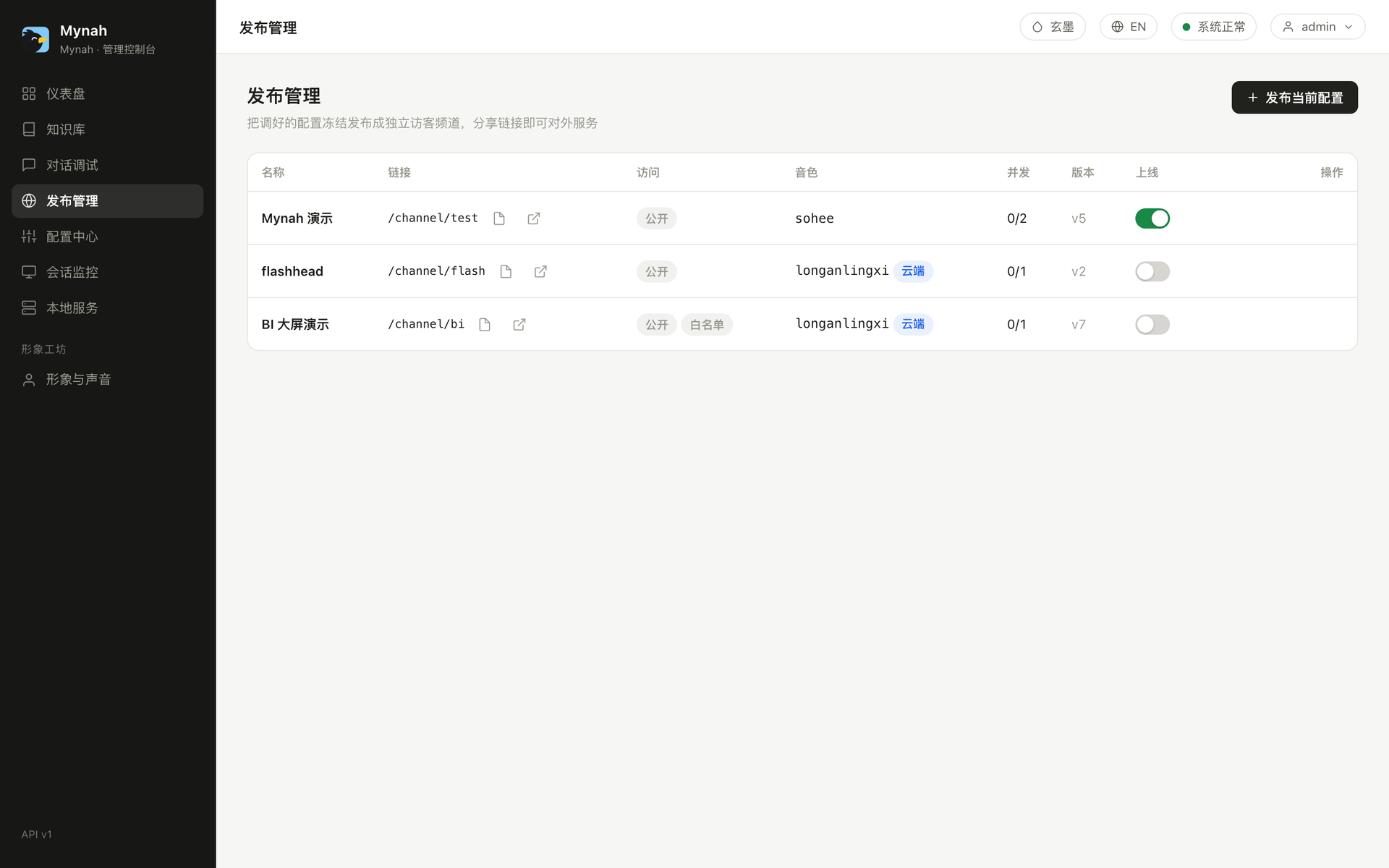
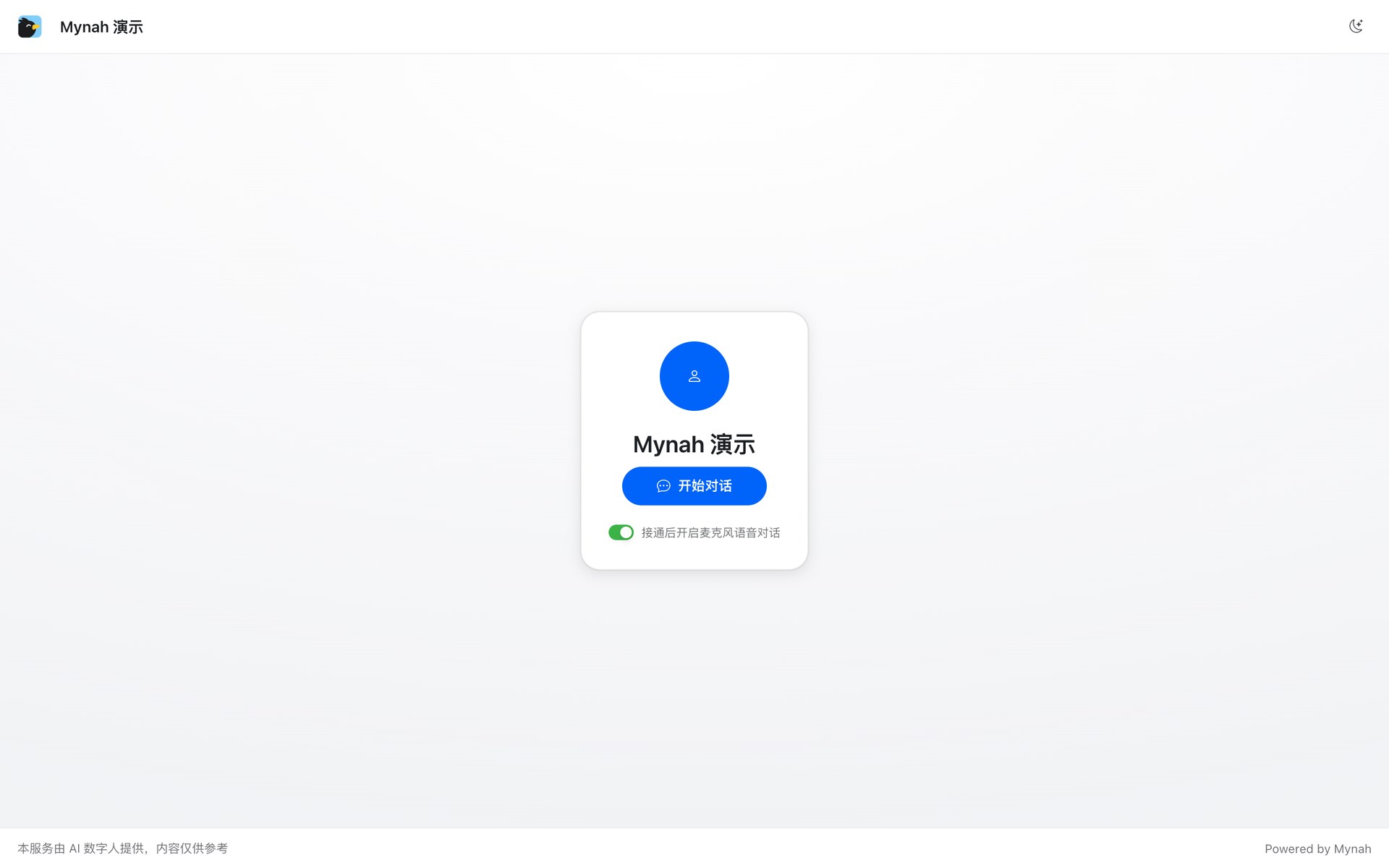
Publish in one minute
- Get the console the way you want it: avatar, voice, model, system prompt, knowledge base, brain mode.
- 发布管理 → 新建频道. Give it a slug (the URL) and a display name.
- Choose access:
- 公开链接 public: anyone with the URL.
- 令牌链接 token: the URL carries
?k=<token>; rotate it any time. - Optionally restrict by domain (for embedding) or CIDR (office network, kiosk).
- Set max concurrent sessions. The number is allocated from the engine pool, so the console refuses a total across enabled channels that the pool cannot serve.
- Publish. Copy the share link.
What is frozen, what is live
| Frozen at publish (snapshot) | Live (changes immediately) |
|---|---|
| model, system prompt, streaming | brand name, logo, background image, theme color |
| TTS voice (or the cloud voice in Qwen-brain mode) | description, suggested questions |
| brain mode, turn-taking | enabled / disabled, access token |
| RAG settings | knowledge base contents |
Changed something in the console and want it on the channel? 重新发布 republish bumps the version. Old visitors finish their session on the old snapshot.
Branding and background
- Brand name / logo replace the Mynah mark in the top bar. Leave the logo empty to show the built-in mark.
- Background image turns on green-screen keying in the browser: the avatar's green backdrop is keyed out and your image is composited behind it. Keying parameters (
key_color,similarity,smoothness,spill) come from the playground's 绿幕调试 card and are saved per avatar. No background image means no keying, visitors see the raw stage. - A preset background ships at
/assets/bg/studio.jpgif you want something neutral right away.
Capacity and politeness
When a channel is at its concurrency cap, or no worker is free, the visitor sees a polite "the digital human is busy" message with a retry, not a spinner. Visitor endpoints are also rate-limited per IP (--visitor-rate-limit).
For integrators
- The channel page is a full-screen app, usable in an
<iframe>; use the domain restriction so only your site can embed it. - For a native integration use the SDK with the same slug and token; it speaks to
/channel/offerjust like the page does. - Per-channel configuration that is safe to show visitors is public at
GET /channel/<slug>/config(branding, actions, keying parameters). Secrets, prompts and keys are never returned there.
API
POST /api/v1/channels to publish, PATCH /api/v1/channels/{id} for live fields, POST …/republish, POST …/rotate-token, DELETE. Details in the Admin API.