
Quickstart
Three ways in, pick by what you have. All of them end at the same place: a browser page where you talk to a digital human, and an admin console where you manage it.
| You have | Path | Time |
|---|---|---|
| Nothing but a laptop | No GPU: cloud inference | 15 min |
| A Linux box with an NVIDIA GPU (6 GB+) and Docker | Docker Compose | 20–30 min |
| An AutoDL / UCloud GPU instance | Cloud image | 5 min once the image is published |
Day one costs nothing: the default voice is EdgeTTS (free, CPU only, needs outbound internet). Upgrade to Qwen3-TTS or a cloud key later from the console, no restart. See TTS tiers.
What runs where
browser ──WebRTC──▶ cored (Go, realtime core + admin console)
                      ├─ avatar worker   (GPU: wav2lipLS / FlashHead / MuseTalk)  ← can be remote
                      ├─ ASR worker      (SenseVoice, ~1.4 GB VRAM)              ← can be remote
                      ├─ TTS             (EdgeTTS default · Qwen3-TTS · cloud)   ← HTTP, anywhere
                      ├─ LLM             (ollama · vLLM · any OpenAI-compatible)  ← HTTP, anywhere
                      └─ Postgres        (console, knowledge base, channels)
Only the avatar worker truly wants a GPU. Everything else is an HTTP endpoint you can point anywhere.
Path B: Docker Compose with a GPU
Prerequisites: Docker 25+ with Compose v2, NVIDIA driver, nvidia-container-toolkit with CDI enabled:
sudo nvidia-ctk cdi generate --output=/etc/cdi/nvidia.yaml
docker run --rm --device nvidia.com/gpu=0 ubuntu:22.04 nvidia-smi -L   # should list one GPU
1. Clone and configure
git clone https://github.com/honwee/mynah.git && cd mynah/deploy/compose
cp .env.example .env
$EDITOR .env        # set PL_MODELS_DIR (where models live), AVATAR_GPU, ports
Paths in .env are deliberately not defaulted. If you forget one, docker compose up stops and names it instead of silently creating empty directories.
2. Provision models
The setup wizard detects what is missing and installs it with mirror-aware downloads (China-friendly by default, set HF_ENDPOINT=https://huggingface.co elsewhere):
python3 ../setup/helper.py # → http://127.0.0.1:9500, click Install on each componentOr run the scripts directly, e.g. bash ../setup/wav2lipls.sh for the lightest avatar engine.
3. Start
docker compose up -d --build
docker compose logs -f cored         # wait for "worker healthy"
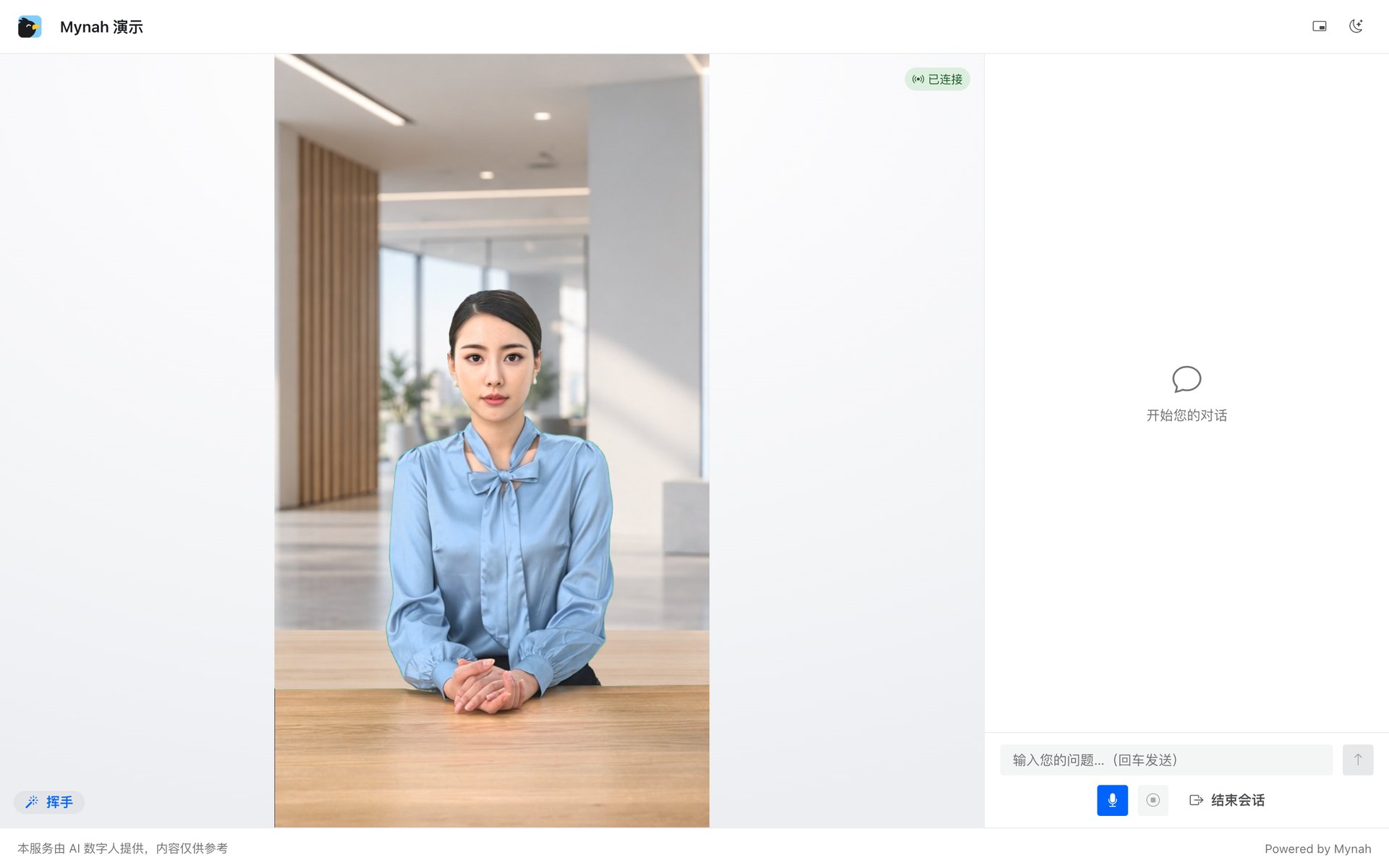
Open https://<host>:8455/ (dev stack) and click 开始对话 / Start. The microphone needs a secure origin, so the page is HTTPS with a self-signed certificate on first run; accept the warning or drop a real certificate into tls/ (see Deploy).
4. Log in to the console
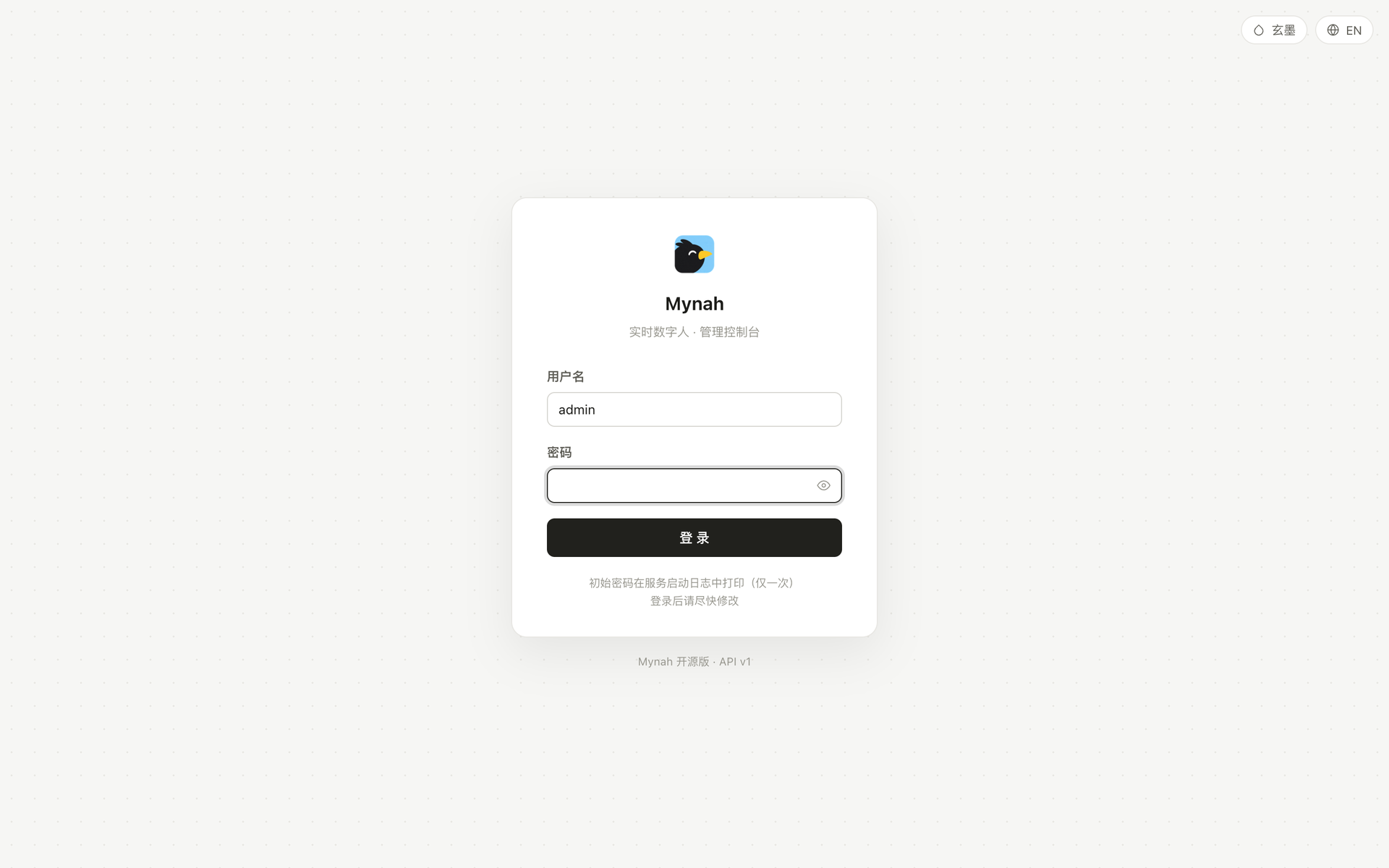
The console lives on the admin port (https://<host>:9443/ on the production stack). The first admin password is printed once in the cored log:
docker compose logs cored | grep "initial admin"You are forced to change it on first login.
Path C: no GPU
Run cored and the console on any machine and point the heavy parts elsewhere:
| Component | Where it can live | Setting |
|---|---|---|
| Avatar worker | a GPU box you rent by the hour, or a friend's | AVATAR_ADDR=host:port |
| LLM | any OpenAI-compatible API | LLM_URL, LLM_MODEL, LLM_KEY |
| TTS | EdgeTTS (free) or any /v1/audio/speech server | TTS_URL, VOICE |
| ASR | remote SenseVoice worker, or the Qwen realtime brain which does ASR in the cloud | ASR_ADDR or console → 对话大脑 |
The avatar worker is the one piece that must run on a GPU somewhere, because it is the thing that draws the mouth. The cheapest way to get one is an AutoDL / UCloud instance running the cloud image; copy its host:port into AVATAR_ADDR.
cd deploy/compose
cp .env.example .env
# AVATAR_ADDR=1.2.3.4:9420  LLM_URL=https://api.example.com/v1  LLM_KEY=sk-...  TTS_URL=http://127.0.0.1:8091
docker compose up -d --no-deps cored tts-edge
Next
- Hardware & engines: which GPU runs which engine, with measured VRAM.
- Console tour: what each page does.
- Publish a channel: turn your configuration into a link you can send.
- Embed: put the avatar inside your own page in 20 lines.